
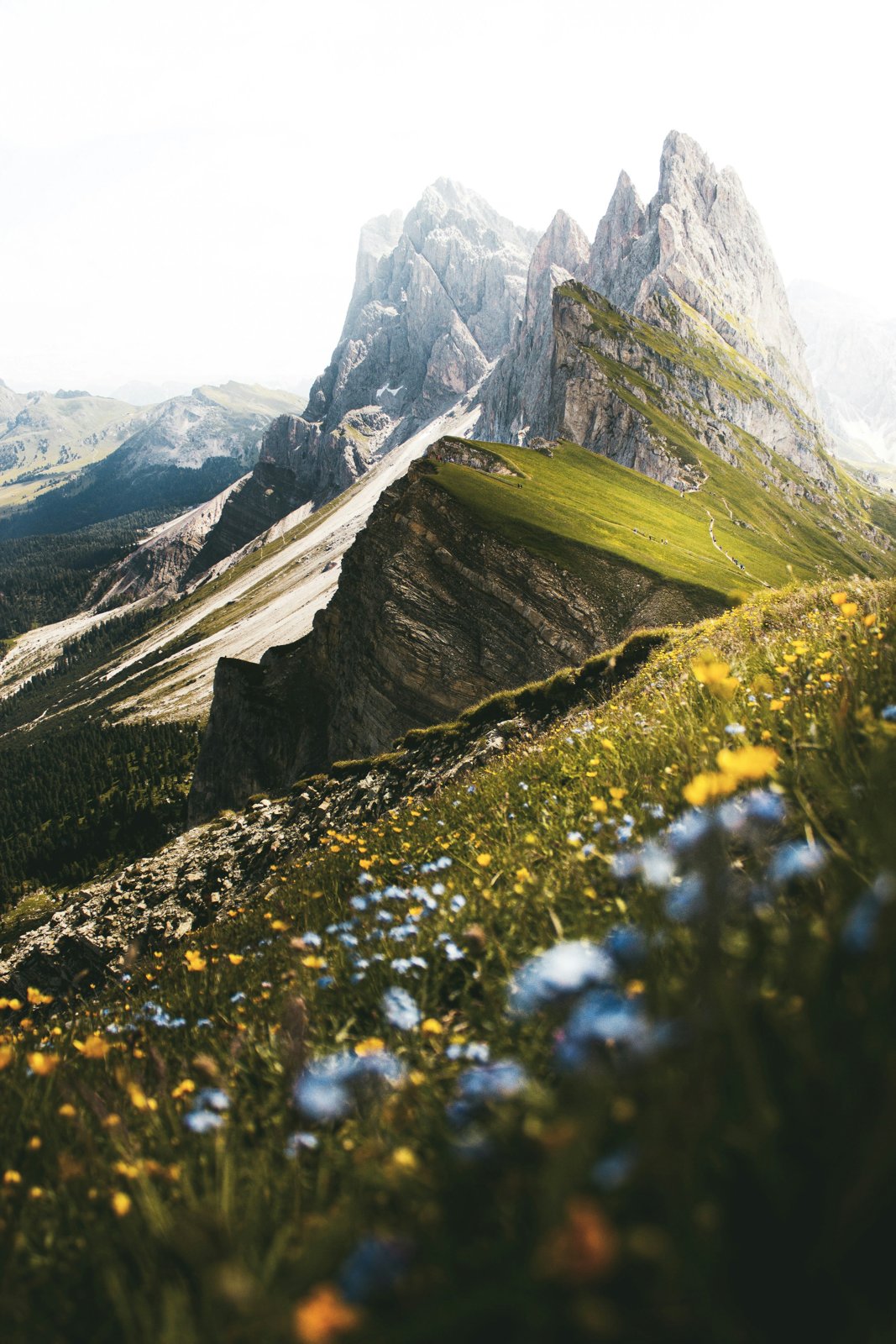
YOUR PHOTOS. YOUR POINT OF VIEW.
A little edit.
A different feeling.
Bring out the light. Find your colour.
Make every photograph your own.
Colour tells a story.
So does black & white.
Rich colour or a quieter black-and-white treatment.
Drag to explore two ways of seeing the same photograph.
One photograph. Two points of view.
Develop / Black & White · Drag to compare
iPhone · iPad · Android No account. Edit on your device. Keep your original.
THE PHOTO COMES FIRST
One editor.
Every part of the picture.
Move from a look to a softer background, a portrait adjustment or your signature. Keep editing the same photo, with every change together and Undo always in reach.
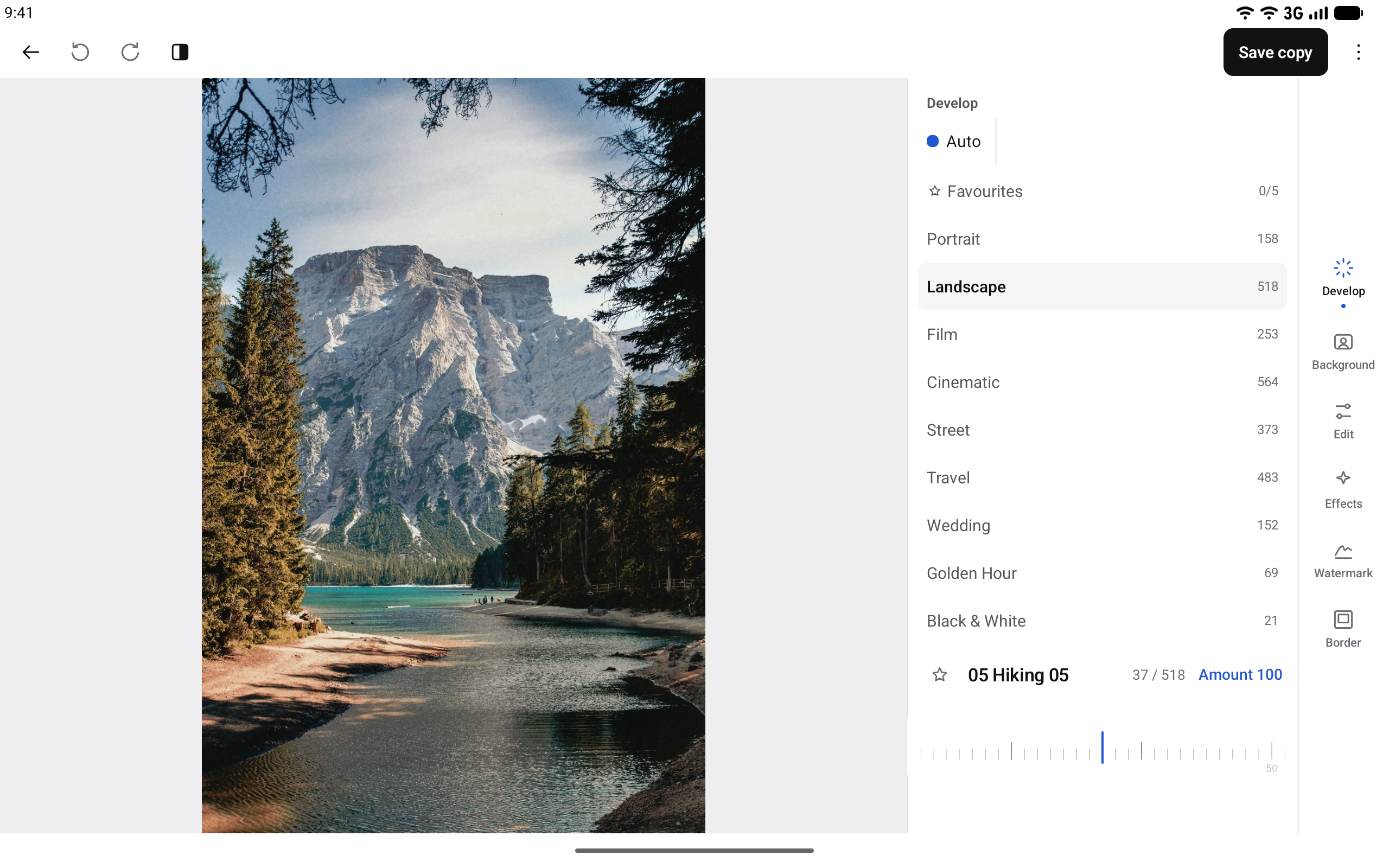
From the first look
to the final detail.
Find a preset for the scene. Refine just what needs attention. Add your signature and save a new copy.
Develop
Find a look for portraits, landscapes and everything between. Browse presets, adjust their strength, then refine skin, eyes and other portrait details when a face is detected.
Background
Explore focus and blur, replace a backdrop and refine the edges—all in the same edit.
Edit
Crop, rotate, straighten and adjust perspective. Refine light, colour and detail, or brush over distractions with Remove.
Effects
Add light leaks, grain and vignette. With Selective Colour, keep chosen colours and turn the rest black and white.
Watermark
Draw or import a signature, set your name in type, or add a logo. Position it on the photograph or its border.
Border
Choose a simple border, a photo frame or an instant-photo-style frame with room for a signature.
Your photos stay yours.
No Lightly account. Editing on your device. A new copy when you save, so your original stays untouched.
Privacy at Lightly ↗Make it your photograph.
For iPhone, iPad and Android.
Need a hand? We’re at hello@lightly.pro.